
MAGAZINE
How to publish your project with Kreors
Hey there, entrepreneur!
Congratulations on designing your awesome website with Kreors! Now it’s time to share your masterpiece with the world. Don’t worry, publishing your project is as easy as pie, and we're here to guide you through the process.
Step 1: Customize and finalize your pages
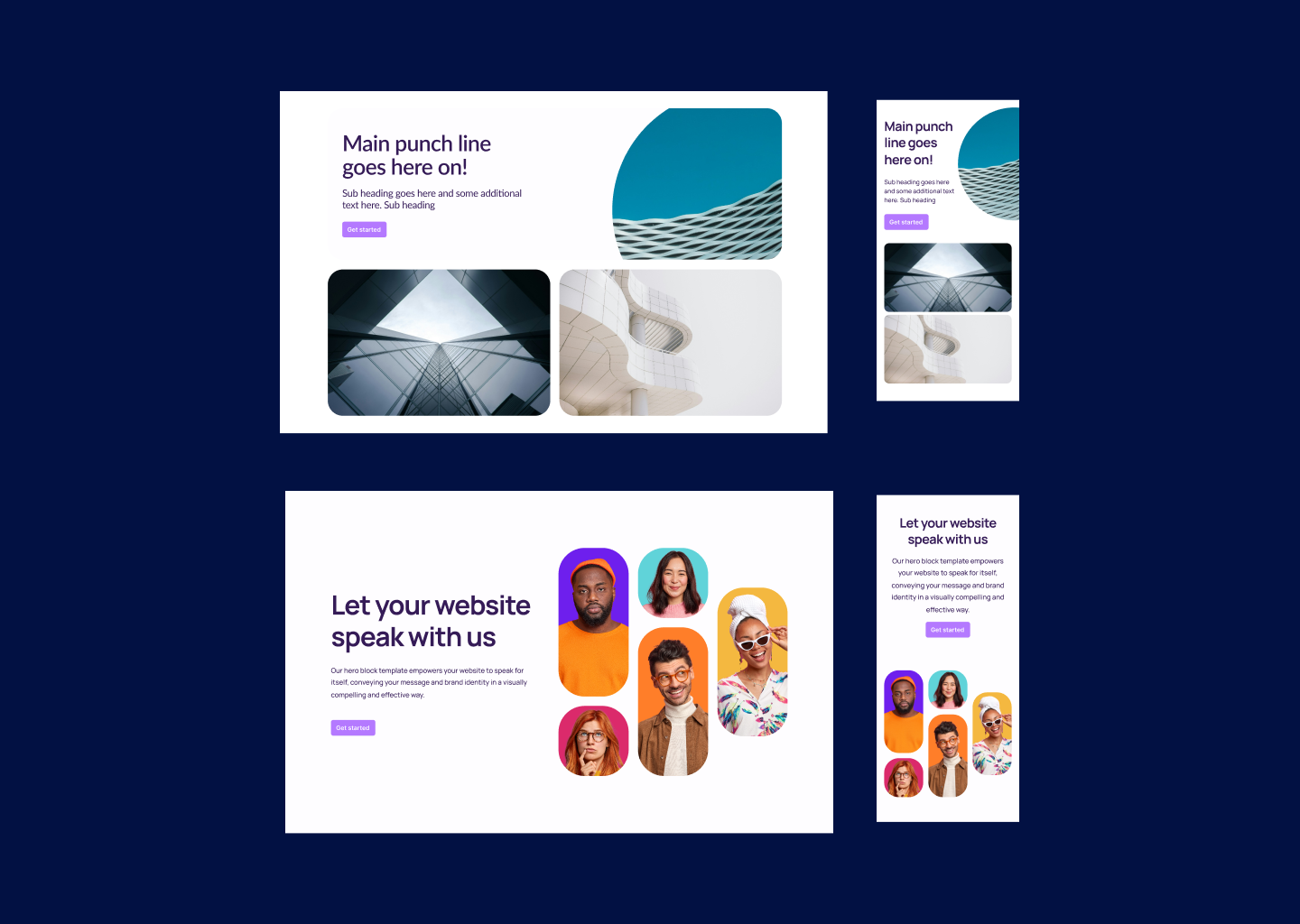
After you've created and customized all the pages for your website, it's time to get ready for publishing. Make sure everything looks just the way you want it to. Your creativity knows no bounds!
Step 2: Time to go live
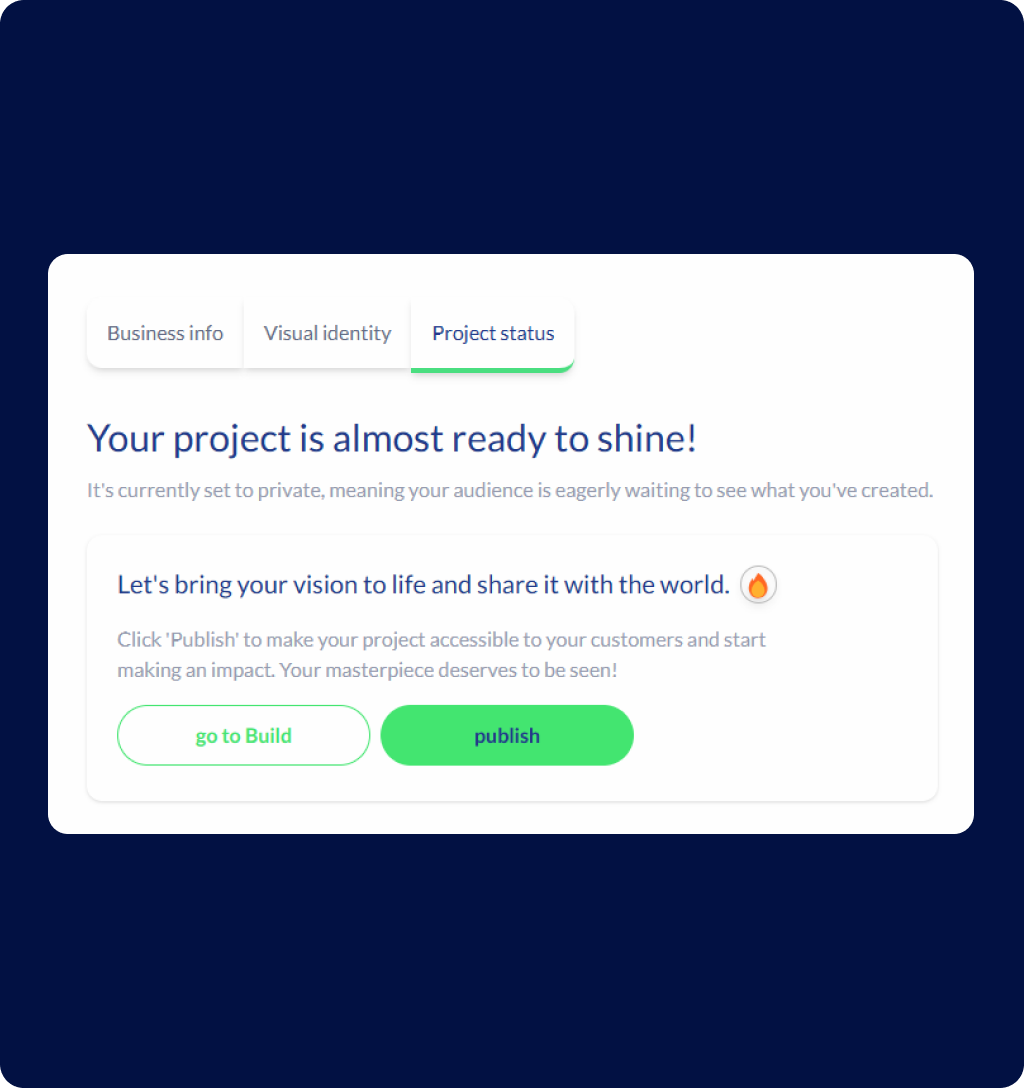
Press the "publish" button on the page or go to the left side of the page and click on the settings icon. Under "Project Status," you'll find the button to publish your site. Click it, and voila! Your website is now live and ready to shine.
Step 3: Choose your domain
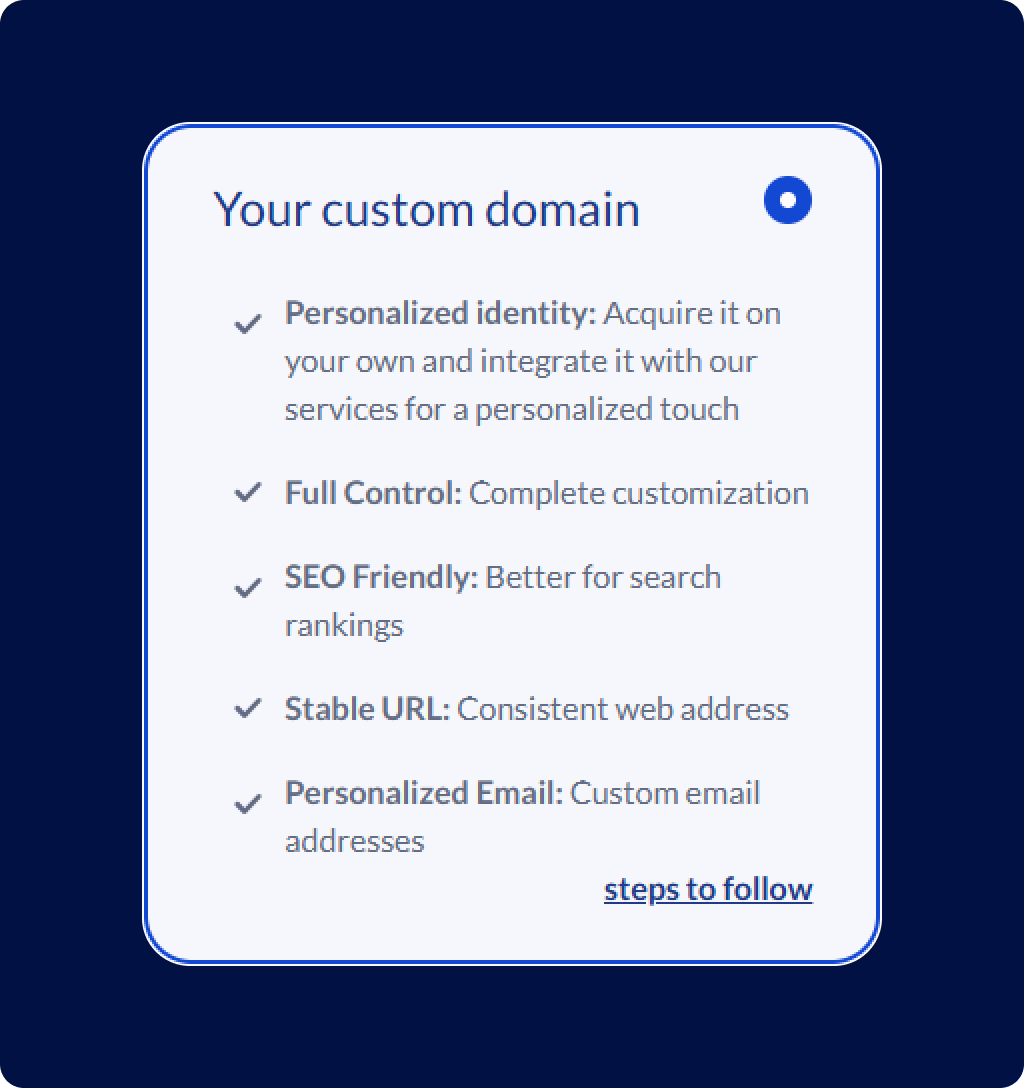
You have the option to use a Kreors domain or enter your own custom domain. Whether you want to stick with Kreors or make it uniquely yours, the choice is yours!
Step 4: Spread the word
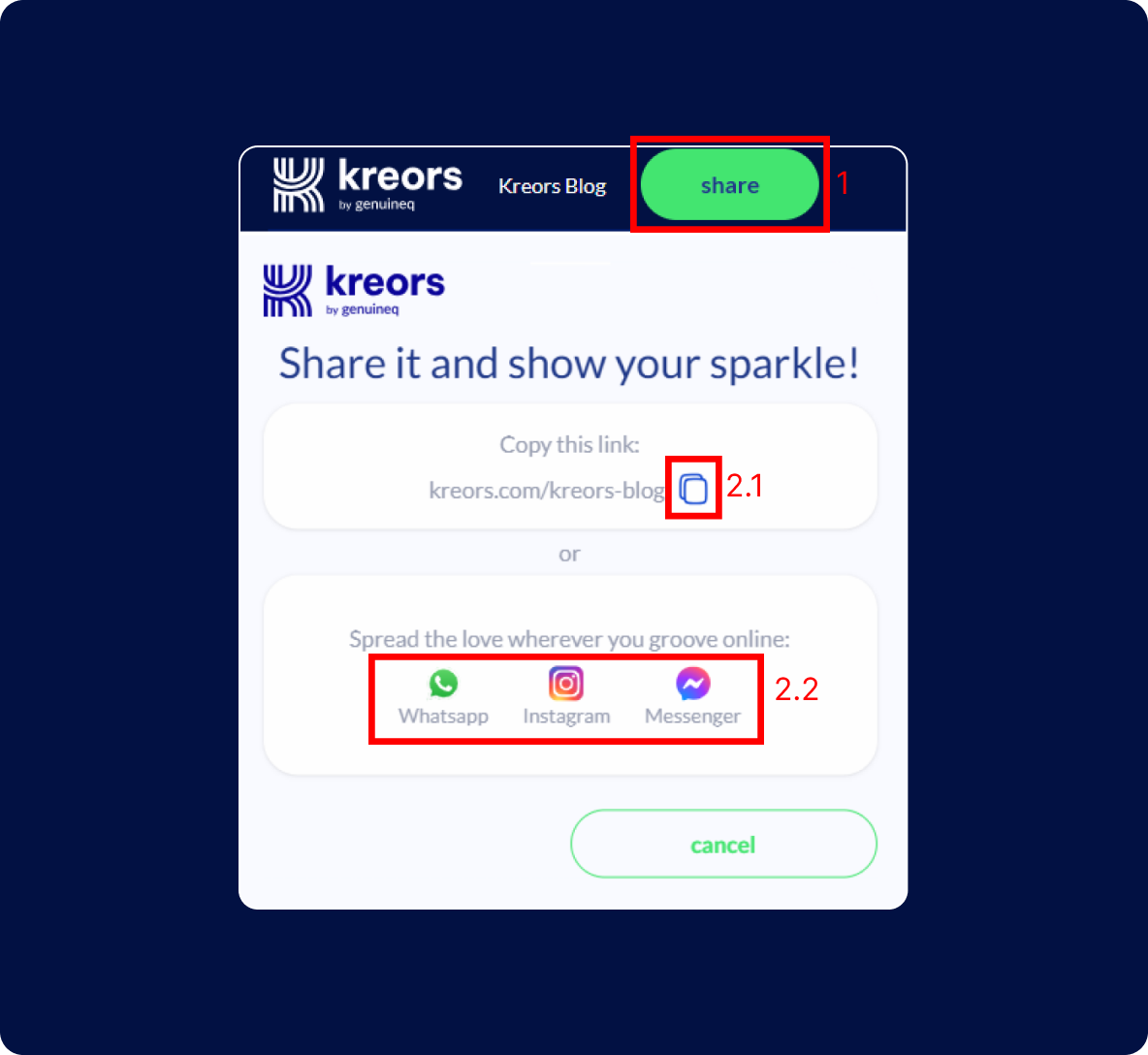
Now that your website is live, it's time to let the world know. Share the link with your friends, family, and followers on social media. Click the 'Share' button next to the Kreors logo and your project name. Get ready to receive some well-deserved praise for your creativity!
And there you have it, folks!
Publishing your project with Kreors is a breeze. With just a few clicks, you can take your website from a work-in-progress to a polished masterpiece.
TAKE THE FIRST STEP
Express yourself and create something meaningful and authentic.
2024 Kreors. All rights reserved.